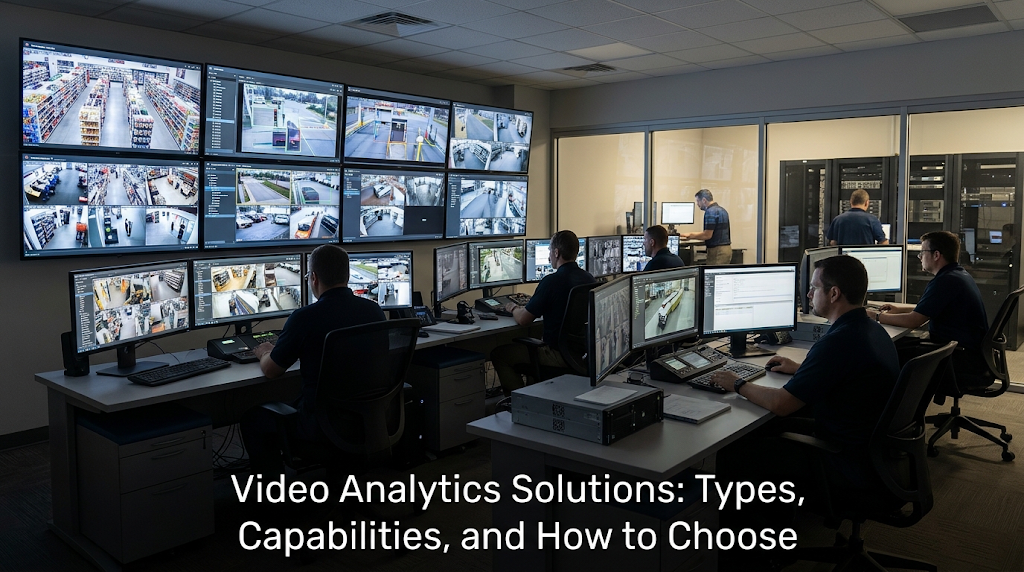
| What are video analytics solutions?Video analytics solutions are software platforms that automatically process live camera feeds to detect objects, identify individuals, count people, read license plates, verify compliance, and generate real-time alerts and operational reports. A video analytics solution connects to existing cameras through a central server, applies artificial intelligence (AI) detection models to each video stream, and produces structured outputs, alerts, data, and reports, without requiring operators to monitor footage continuously. |
Most organizations evaluating video analytics solutions are not starting from zero. They already have cameras. They already have a Video Management System (VMS). What they do not have is intelligence from that infrastructure; the detection, classification, and alerting that turns a recording system into an operational tool.
The question is not whether video analytics adds value. The question is which solution covers the right use cases for your environment and connects cleanly to the infrastructure you already have.
This article maps the solution types available, what each one produces, how deployment models differ, and what to evaluate before selecting a platform.
What Types of Video Analytics Solutions Exist?
Video analytics solutions divide into capability categories based on what they detect and what they produce. Most enterprise platforms combine multiple capability sets into a single deployment rather than running as standalone point solutions.
The table below maps the primary solution types across capabilities, environments, and outputs.
| Solution Type | Core Capabilities | Environments | Key Outputs |
|---|---|---|---|
| Security and perimeter | Intrusion detection, tailgating, loitering, abandoned object alerts, fire and smoke detection | Critical infrastructure, government facilities, data centers, airports | Real-time threat alerts, incident logs, zone access reports |
| Facial recognition | Biometric identity matching against allow, deny, and VIP watchlists at above 90% accuracy | Embassies, corporate HQs, hospitality, events, banking branches | Named identity alerts, zone movement trails, post-incident investigation |
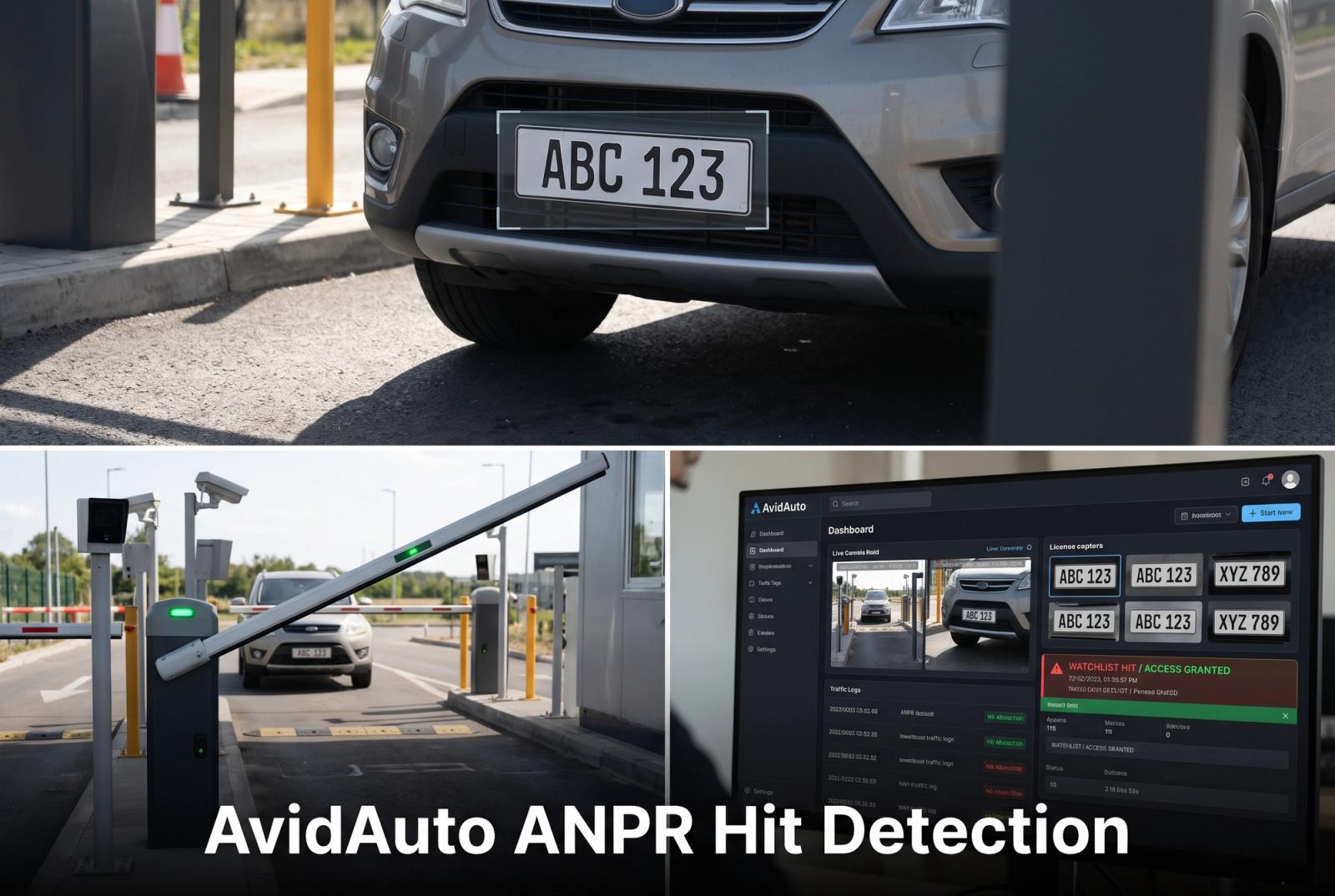
| License plate recognition | Arabic and English plate reading at 98% and 92% accuracy respectively, watchlist cross-reference | Parking facilities, border crossings, gated communities, highways | Plate reads, access logs, violation alerts, occupancy rates |
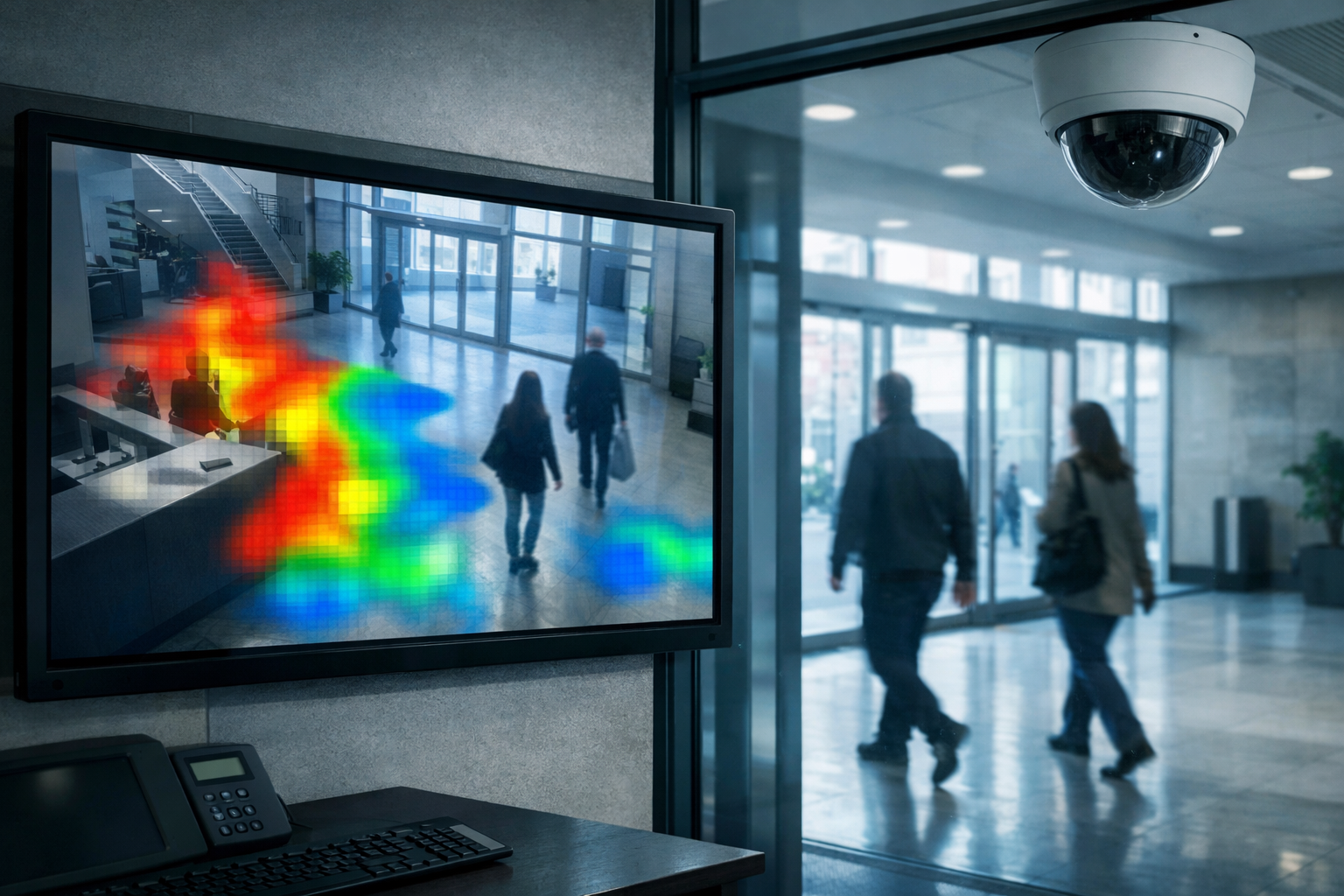
| Retail and space analytics | People counting, heatmaps, dwell time, queue depth, pathway analysis, demographic profiling | Retail stores, malls, banks, hospitality lobbies | Footfall data, conversion metrics, layout improvement reports |
| Crowd analytics | Density monitoring, flow analysis, capacity alerts, emergency zone management | Stadiums, concert venues, public spaces, transit hubs | Crowd counts, density alerts, flow bottleneck reports |
| Vehicle and traffic | Wrong-direction detection, illegal parking, traffic density, smart parking occupancy | Highways, city roads, parking structures, logistics hubs | Traffic violation alerts, occupancy data, route intelligence |
| Industrial and HSE compliance | Personal protective equipment (PPE) compliance, hazard zone monitoring, restricted area detection | Petrochemical plants, construction sites, manufacturing facilities | Non-compliance alerts, safety audit logs, zone violation reports |
| Natural language investigation | Vision Language Model (VLM) converts footage to queryable text; operators search in plain language | Any environment requiring post-incident investigation across large camera networks | Timestamped event answers, camera source attribution, footage-linked results |
What Should a Video Analytics Solution Include?
The capabilities listed above are only as effective as the architecture supporting them. Two aspects of the platform architecture determine whether a video analytics solution performs as claimed across your specific environment.
Server-Based Processing Architecture
Video analytics processing can run inside the camera, at an edge device, or on a central server. The architecture choice determines the accuracy of detection models, the range of capabilities available, and how the solution scales as you add cameras.
Camera-embedded and edge-based solutions are constrained by the processing capacity of each hardware unit. Detection models run at reduced depth, which degrades accuracy under real-world conditions: masks, non-frontal angles, variable lighting, and fast movement. Adding detection capabilities means firmware updates or hardware replacement per unit.
Server-based solutions process all camera feeds through dedicated server infrastructure. Detection models run at full depth regardless of camera age or specification. Adding capabilities means deploying updated models through software across every connected camera at once. The minimum hardware requirement is 2 GB of Random Access Memory (RAM) and a 2.4 GHz processor per camera channel — applied at the server level, not per camera.
VMS and Camera Integration
A video analytics solution that requires camera replacement or a proprietary VMS creates infrastructure cost that is rarely justified. Enterprise-grade solutions connect to any Open Network Video Interface Forum (ONVIF)-compliant camera and integrate with existing VMS platforms. AvidBeam's AvidSight platform integrates with Milestone, NetworkOptix, and Genetec, adding analytics intelligence to existing camera networks without displacing recording infrastructure.
Integration depth also matters. A solution that sends alerts to a separate dashboard adds an interface. A solution that integrates alerts directly into the VMS operators already use reduces adoption friction and keeps the response workflow in one place.
| Already running Milestone, NetworkOptix, or Genetec? AvidBeam's solutions integrate directly without replacing your existing infrastructure. Contact info@avidbeam.com for an assessment. |
How Are Video Analytics Solutions Deployed?
Video analytics solutions are available in three deployment configurations: on-premise, cloud, and hybrid. The right choice depends on data governance requirements, network infrastructure, compliance obligations, and the latency tolerance of the use case.
| Dimension | On-Premise | Cloud | Hybrid |
|---|---|---|---|
| Data residency | All data stays on site — required for government and high-security environments | Data processed and stored in provider cloud | Mix: sensitive data on-premise, non-sensitive in cloud |
| Hardware responsibility | Organization manages server hardware and maintenance | No hardware required — provider manages infrastructure | Split between on-site and cloud components |
| Latency | Lowest — processing happens on the local network | Dependent on network connection quality | Low for on-premise components; variable for cloud |
| Scalability | Requires hardware investment to scale capacity | Elastic — scale up or down without hardware changes | Scale cloud components independently of on-premise |
| Uptime dependency | Independent of internet connectivity | Requires stable internet connection | On-premise components remain operational if internet fails |
| Deployment time | Longer — hardware procurement and installation required | Faster — software configuration only | Moderate — on-premise hardware plus cloud configuration |
| Compliance suitability | Highest — meets air-gapped and data sovereignty requirements | Depends on provider certifications and data location | Flexible — on-premise for regulated data, cloud for analytics |
| Typical adopters | Government, defense, critical infrastructure, financial institutions | Commercial enterprises with flexible data policies | Large enterprises with mixed compliance requirements |
Government facilities, defense installations, and financial institutions in the Kingdom of Saudi Arabia and across the Middle East typically require on-premise deployment to meet local data sovereignty regulations. AvidBeam supports all three deployment models with the same capability set across each configuration.
How Do You Evaluate a Video Analytics Solution?
The evaluation criteria that matter most are not the ones that appear in feature comparison tables. Detection model accuracy under your specific conditions — lighting, camera angles, subject density — is the starting point. A solution that achieves high accuracy in a controlled demo environment may perform differently under your real-world conditions.
The second criterion is integration cost. A solution that requires camera replacement, a new VMS, or a proprietary network architecture carries infrastructure cost that does not appear in the software pricing. Evaluating the total cost of the deployment, not just the license, determines the real comparison. The infrastructure fit of a solution matters as much as its detection capabilities.
Third is scalability — not the vendor's claim about maximum camera count, but the architecture that supports it. Server-based solutions scale by adding server capacity, not by replacing camera hardware. This distinction determines whether a solution that works well at 50 cameras still works well at 500.
Finally, consider the output layer. A solution that generates alerts without structured data — counts, identities, timestamps, zone attribution — produces notifications rather than intelligence. The operational value of a video analytics solution is in the structured data it generates and how that data connects to your reporting, access control, and incident management systems. AvidBeam's article on intelligent video analytics covers how the output layer distinguishes an analytics platform from a surveillance upgrade.
FAQ
What is a video analytics solution?
Software that connects to existing cameras, applies AI detection models to live feeds, and generates alerts, counts, identity matches, and operational reports without requiring operators to watch footage continuously.
Do video analytics solutions require new cameras?
No. Enterprise solutions connect to any ONVIF-compliant IP camera at minimum 2 Megapixel resolution without hardware replacement.
What is the difference between on-premise and cloud video analytics solutions?
On-premise solutions process and store all data locally, required for data sovereignty compliance. Cloud solutions offer faster deployment and elastic scaling. Hybrid configurations split processing based on data classification.
Can a video analytics solution work with an existing VMS?
Yes. AvidBeam integrates with Milestone, NetworkOptix, and Genetec, adding analytics to existing recording infrastructure without replacing it.
How many cameras can a video analytics solution support?
Server-based architectures scale with server capacity rather than camera hardware, AvidBeam has deployed solutions covering 18,000 cameras across Riyadh's smart parking infrastructure from a centralized platform.
What accuracy should a video analytics solution achieve?
Accuracy varies by capability: AvidBeam's facial recognition sustains above 90% under real-world conditions, and its license plate recognition achieves 98%+ on Arabic plates and 92%+ on English plates.
Which industries use video analytics solutions most?
Critical infrastructure, government, retail and banking, hospitality, transportation, events and venues, healthcare, and industrial environments — any sector where understanding what is happening inside a monitored space improves security, compliance, or operations.
| Looking for a video analytics solution for your environment?Request a live demo of AvidBeam's platform on your existing cameras. Send an email to info@avidbeam.com to schedule a session with the technical team. |