What Makes a Camera a Facial Recognition Camera, and Why the Answer Is Not About the Hardware
Facial recognition cameras are any cameras connected to a facial recognition analytics platform that processes their feeds in real time.
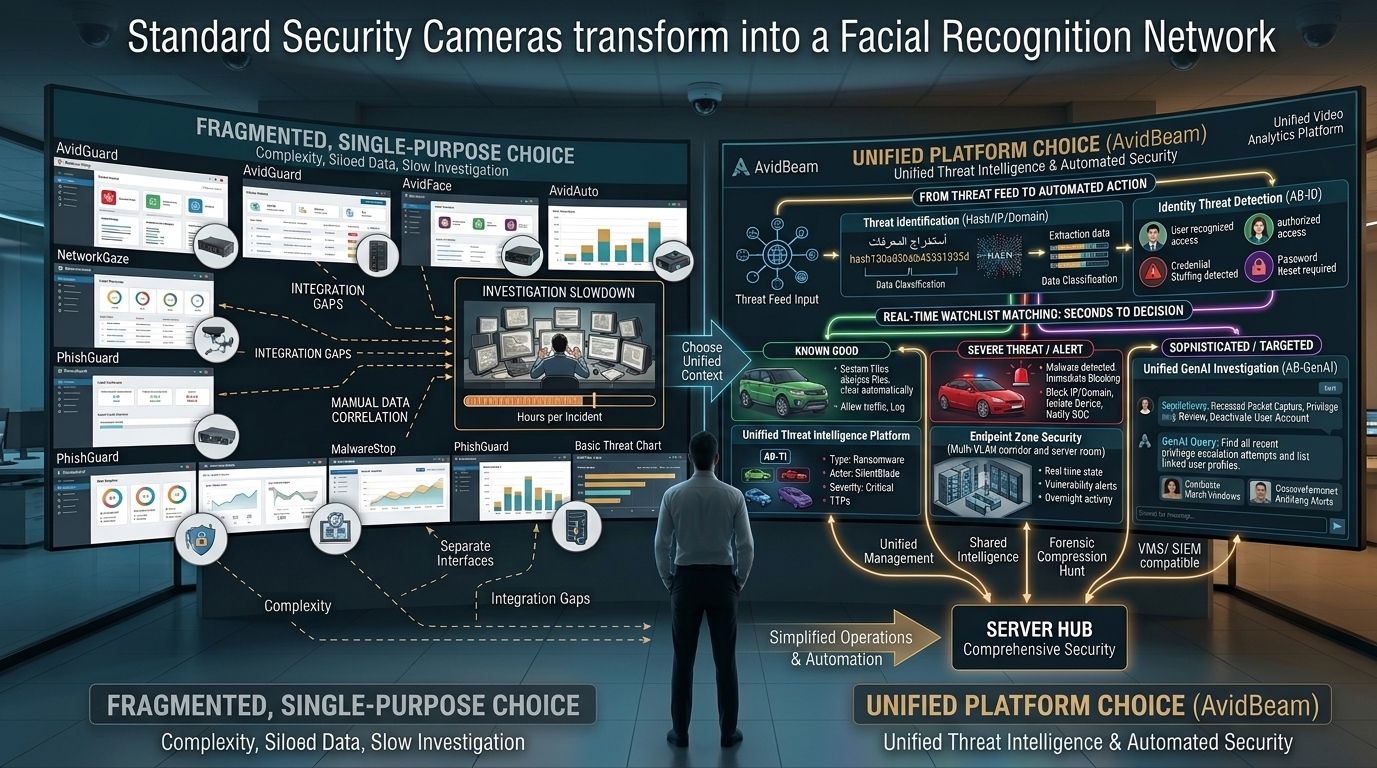
| What are facial recognition cameras?Facial recognition cameras are any cameras connected to a facial recognition analytics platform that processes their feeds in real time. The recognition, identity matching, and alert generation all happen in the analytics software running on server infrastructure. Consequently, facial recognition cameras are not a hardware category: any Open Network Video Interface Forum (ONVIF) compliant camera meeting minimum resolution and angle requirements becomes a facial recognition camera when connected to the right platform. |
Organizations evaluating facial recognition cameras tend to approach the decision as a hardware replacement project. They price dedicated facial recognition units, estimate the number of access points across the facility, and calculate the cost of swapping existing cameras for units with embedded recognition capability.
That approach mislocates where the intelligence lives. Facial recognition accuracy, watchlist matching speed, zone tracking, and cross-camera identity continuity all depend on the analytics platform, not on the camera housing. Consequently, the cameras already installed across a facility are already facial recognition cameras, provided they feed into the right platform.
AvidBeam's AvidFace platform connects to any ONVIF compliant camera and turns it into an active identity verification point. Recognition accuracy stays above 90% under masks, glasses, and non-frontal angles. Watchlists propagate instantly to every connected camera. Zone tracking links appearances across every camera in the network into a continuous identity record.
What Makes a Network of Cameras Into a Facial Recognition System
A single facial recognition camera at one entrance is a detection point. A network of facial recognition cameras across a facility is a security system. The difference between the two is not the number of cameras — it is whether the cameras share watchlists, track individuals across zones, and contribute to the same investigation layer.
Shared Watchlists Across Every Camera
As covered in AvidBeam's analysis of facial recognition camera systems and how AvidFace connects them, the security value of facial recognition cameras compounds when every camera in the network checks the same watchlists simultaneously. A deny list entry added at the management interface applies to every camera in the network at the same moment.
Consequently, a flagged individual cannot enter through a secondary access point after being identified at the main entrance, because every camera in the network runs the same deny list at the same time. Furthermore, a Very Important Person (VIP) recognition event at the car park entrance notifies the relevant reception staff before the individual reaches the lobby, because the alert fires from whichever camera in the network makes the first positive match.
Cross-Camera Zone Tracking
Individual facial recognition cameras identify who is present at their specific location. A network of facial recognition cameras tracks where individuals go after that initial identification. Zone tracking by camera ID, zone identifier, and timestamp produces a continuous identity record across the full facility.
When an individual authorized for Zone A appears at a Zone C camera without a corresponding access event at the Zone B boundary, the anomaly surfaces automatically. The alert fires against that individual's specific authorization profile rather than against a generic motion detection rule. Additionally, the alert includes all previous zone appearances in the current session, giving security teams full context rather than a single detection event.
| To find out which cameras in your existing network qualify as facial recognition cameras through AvidFace, send an email to info@avidbeam.com and the technical team will follow up with an infrastructure assessment. |
How AvidFace Connects Cameras Into a Recognition Network
AvidFace connects to existing cameras through standard network protocols without hardware replacement at individual camera positions. All recognition processing runs centrally on dedicated server infrastructure rather than at individual cameras. Consequently, the recognition model complexity and accuracy are not constrained by individual camera hardware capacity.
Recognition Accuracy Across the Network
AvidFace sustains recognition accuracy above 90% across every connected camera simultaneously. This includes cameras positioned at building entrances with high-traffic throughput, cameras in corridors with non-frontal face angles, and cameras in low-light environments during nighttime operation. The accuracy is a function of the server-based recognition models, not of individual camera specifications.
Self-learning algorithms update the recognition models continuously as each camera in the network encounters new appearances of enrolled individuals. Consequently, accuracy improves over time across the full network without manual re-enrollment.
Network-Wide Investigation Capability
Post-incident investigation across a network of facial recognition cameras is fundamentally different from investigation across a network of recording cameras. As covered in AvidBeam's analysis of where facial recognition access control begins and conventional access control ends, investigation using recording cameras requires manually reviewing footage per camera to reconstruct an individual's movements. Investigation using a facial recognition camera network uses image-based reverse search.
A security team uploads an image of an individual. AvidFace queries every camera in the network simultaneously and returns the top five ranked matches with timestamps and camera sources. The full movement timeline across the facility reconstructs in minutes rather than hours. Furthermore, the investigation output includes visual confirmation at each match rather than requiring the investigator to verify each result manually.
Camera Positioning for a Facial Recognition Network
The effectiveness of a facial recognition camera network depends on camera placement as well as camera count. The table below maps optimal camera positions across a typical facility, the coverage requirement at each position, and what the network delivers at that point.
| Camera Position | Coverage Requirement | What the Network Delivers at That Point |
|---|---|---|
| Building entrances | Cameras covering the full entrance width at approach distance | Individuals identified before reaching the door; deny list alert fires at approach |
| Lobby and reception | Cameras covering reception desk approach and waiting area | VIP recognition fires before client reaches desk; unknown individuals flagged for verification |
| Elevator lobbies | Cameras covering elevator call area and car entry points | Zone tracking continues after initial building entry verification |
| Restricted zone boundaries | Cameras covering each boundary point between access tiers | Unauthorized zone access detected automatically against each person's authorization profile |
| Server rooms and vaults | Cameras at entry threshold with clear face capture angle | Single-person entry violations detected; every access event logged with biometric identity confirmation |
| Stairwell landings | Cameras covering stairwell entry and landing areas | Movement tracked across transitional spaces without additional hardware |
| Parking and vehicle access | Cameras at driver-level position at gate approach | Face recognition identifies driver alongside vehicle plate recognition at the same entry point |
| External perimeter access points | Cameras at contractor and delivery entry points | Separate allow lists per entry point type; contractor access verified biometrically |
The positioning principles across all camera types are consistent: cameras should capture clear frontal or near-frontal face images at the speed individuals naturally move through each zone, without requiring subjects to pause or position themselves deliberately for the camera.
What Facial Recognition Cameras Add to Existing Security
Facial recognition cameras integrate with AvidGuard's behavioral detection layer on the same camera feeds. Loitering detection, intrusion alerts, tailgating detection, and crowd density monitoring all run on the same cameras performing facial recognition, through the same management interface. Consequently, a security team receives both identity-confirmed alerts and behavioral alerts in one unified view without navigating separate systems.
The integration produces compound security intelligence that neither layer generates independently. A loitering alert in a restricted corridor combined with a zone tracking record showing the same individual crossed three unauthorized zone boundaries in the previous 20 minutes is a significantly richer security signal than either detection produces alone.
Badge-Based Access Control Network vs. AvidFace Facial Recognition Camera Network
The table below sets out where a network of AvidFace facial recognition cameras diverges from a badge-based access control network at the identity verification, tracking, and investigation level.
| Security Dimension | Badge-Based Access Control Network | AvidFace Facial Recognition Camera Network |
|---|---|---|
| Identity verification | Badge or PIN at each access point; credential, not person | Face confirmed at 90%+ accuracy at every camera in the network simultaneously |
| Multi-point tracking | No link between access events at different locations | Same individual tracked across every camera in the network by zone, timestamp, and location |
| Tailgating | Invisible to badge systems without a separate sensor | Detected in real time across every connected camera in the network |
| Watchlist propagation | Manual update per reader or per location | Single list update applies to every camera in the network instantly |
| Unauthorized zone access | Not detected without a physical barrier failure | Surfaces automatically when individual appears in a zone outside their authorization profile |
| Post-incident investigation | Manual footage review across cameras; hours per case | Image-based search returns ranked matches with timestamps across full camera network |
| Hardware requirement | Dedicated reader unit at every access point | Any ONVIF compliant camera already covering the access point; no dedicated hardware per point |
| Network expansion | New reader hardware installed per new access point | Software configuration extends network to cameras already covering new zones |
In short, a badge-based network verifies credential possession at individual points. An AvidFace facial recognition camera network verifies identity continuously across every point in the network, tracks individuals between points, and links every access event to a confirmed biometric record.
Infrastructure and Deployment
AvidFace connects to any ONVIF compliant camera via standard network protocols. All facial recognition processing runs centrally on server infrastructure. The minimum specification per camera processed:
- 2GB RAM minimum; one virtual core at 2.4 GHz minimum
- Multiple Graphics Processing Unit (GPU) configurations supported for higher-density camera networks
- Camera resolution: 2MP up to 4K; lens focal length 3mm to 25mm
- Mounting angle: pitch -15° to +15°; yaw -15° to +15°; roll -180° to +180°
Video Management System (VMS) integration covers Milestone, NetworkOptix, and Genetec platforms. Deployment options include on-premise, private cloud, public cloud, and hybrid. On-premise processing keeps all biometric data local, the recommended configuration for government and high-security facilities. Watchlist updates propagate to every camera in the network simultaneously regardless of deployment model.
FAQ
What are facial recognition cameras?
Any ONVIF compliant cameras connected to a facial recognition analytics platform; the recognition, watchlist matching, and alert generation happen in the platform software, not in the camera hardware.
Do facial recognition cameras require special hardware?
No. AvidFace connects to any existing ONVIF compliant camera meeting minimum resolution and angle requirements; the minimum server specification is 2GB RAM and one virtual core at 2.4 GHz per camera.
What accuracy do AvidFace cameras deliver?
Above 90% at every connected camera in the network, sustained under masks, glasses, hats, and non-frontal angles through server-based centralized processing.
How do watchlists work across multiple cameras?
A single watchlist update at the management interface propagates to every camera in the network simultaneously; deny list, allow list, and VIP list matching runs at every camera in real time.
Can the system track individuals across cameras?
Yes. AvidFace tracks individuals by zone ID, camera ID, and timestamp across every camera in the network, producing a continuous zone movement record and surfacing unauthorized zone access automatically.
How does post-incident investigation work across a camera network?
A security team uploads a face image; AvidFace queries every camera in the network simultaneously and returns ranked matches with timestamps and camera sources, reconstructing the full movement timeline in minutes.
Can facial recognition cameras and behavioral security run on the same network?
Yes. AvidFace identity verification and AvidGuard behavioral detection both run on the same connected cameras through the same management interface, producing combined identity and behavioral alerts in one unified view.
 Article
What Video Analytics Does for Hotels and Resorts Beyond Recording and Why It Matters for Guest Experience
Video analytics for hospitality is the application of AI to hotel and resort camera feeds to improve guest experience, enhance security, and generate operational intelligence simultaneously
 Article
Video Analytics in Banking: What Your Branch Cameras Can Detect Beyond Recording
Video analytics in banking is the application of AI to branch camera feeds to automatically detect fraud patterns, monitor compliance, manage queues, and generate operational intelligence without requiring staff to watch screens continuously
 Article
AvidBeam Selected for NVIDIA AI Ecosystem Reception Panel in Egypt: Dr. Hani ElGebaly Joins Egypt's AI Builders at the Grand Egyptian Museum
On September 21, 2026, NVIDIA brought together Egypt's artificial intelligence (AI) ecosystem at the Grand Egyptian Museum in Cairo for a reception that marked a significant step in the country's transition from AI experimentation to production-scale AI deployment.
Experience AI Video Analytics
on your existing cameras.
Start with a pilot deployment and scale seamlessly as your operational requirements evolve.