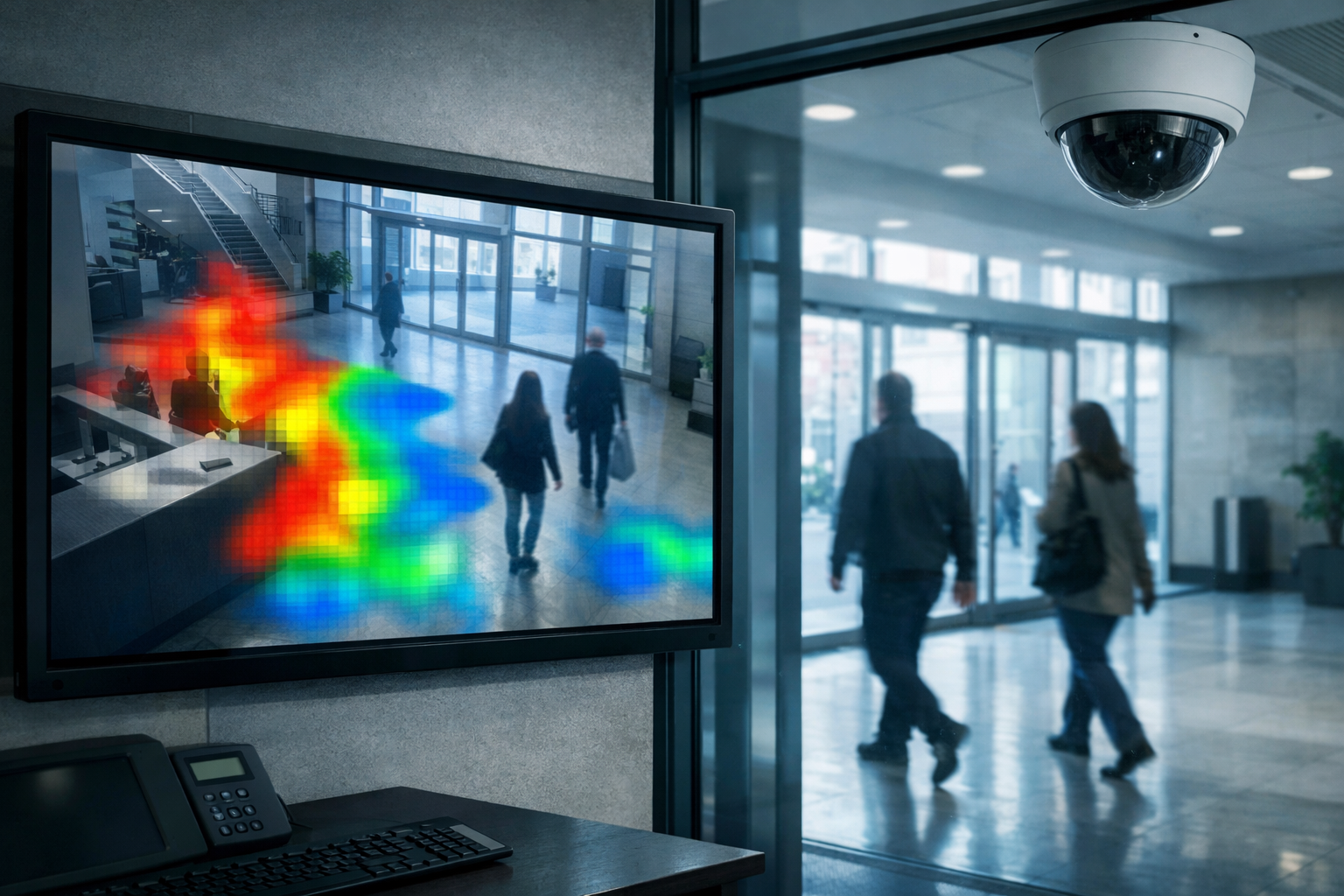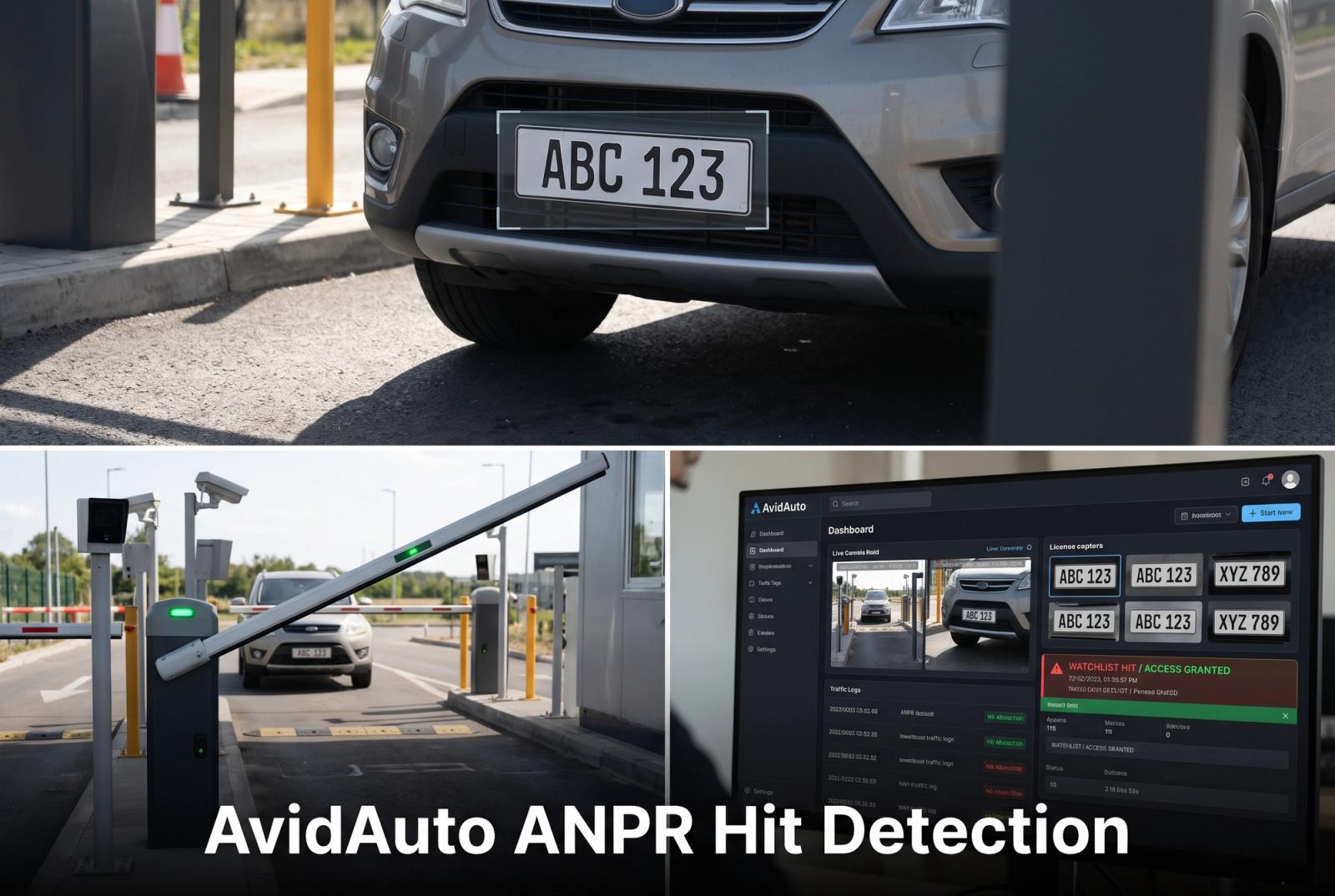
| What is auto detection?Auto detection is the automated process by which a system observes moving objects in camera footage and marks vehicle occurrences for further handling. It works by first generating vehicle observations from the video, then applying event rules, such as entering a defined boundary, to turn observations into events, and finally creating notifications that may be delivered to operators; failures can occur at observation, interpretation, delivery, or review stages. Understanding this chain helps you focus investigations on footage, configured boundaries, event records, and message history so you can find the true cause of unwanted alerts. |
Auto detection alerts can be frustrating when the message does not match what your team sees in the footage. A system might mistake another object for a vehicle, apply an unsuitable rule to a real vehicle, or record an event whose notification never arrives.
Those outcomes need different explanations. This guide separates observation, event interpretation, delivery, and review problems, then explains which footage and records can help you investigate. The aim is a useful troubleshooting conversation, rather than a diagnosis based only on an unwanted or missing message.
What makes an auto detection alert wrong or unhelpful?
An auto detection alert can be wrong at the observation level or unhelpful at the rule level. An event rule defines what should turn a vehicle observation into an alert, such as entry into a restricted area.
Consider a hypothetical closed loading area:
• False alert: A shadow is identified as a vehicle entering. The object recognition is incorrect.
• Duplicate alert: One entry produces repeated messages without another qualifying movement. Vehicle detection may still be correct.
• Missed event: Footage shows a qualifying entry, but no matching event is recorded. An existing event without a notification raises a delivery question instead.
• Irrelevant alert: A real vehicle in the neighboring lane triggers the loading-area rule. The boundary may not match the intended area.
Calling all these “false alerts” hides useful distinctions. Understanding what follows vehicle detection helps separate the observation from the event rule and the message an operator receives.
Where might the problem enter the process?
An absent notification does not reveal where the process broke down. Evidence may point to the camera view, vehicle detection, event interpretation, delivery, or review.
• Camera view: Glare, obstructions, or framing may hide relevant movement. Unclear footage raises a visibility question, not proof of a notification failure.
• Vehicle observation: A visible vehicle may not be recognized or may receive an unexpected category. The distinction between vehicle identification and classification helps frame that investigation.
• Event interpretation: Correctly detecting a vehicle does not establish that it crossed the required boundary or met another event condition.
• Notification delivery: A recorded event without an expected message points toward message creation, routing, or delivery, not necessarily missed detection.
• Operator review: A delivered notification might remain unseen in a busy queue, while an incomplete clip could make its meaning unclear.
For a missing-alert complaint, each available record helps locate the gap between what happened and what the operator expected.
Which evidence helps explain a disputed alert?
Useful evidence connects the expected behavior with the footage, event record, and notification history. An incident note can organize that comparison without assuming why the auto detection alert disappointed the operator.
• Expected behavior: The movement that should qualify, alongside the reported discrepancy, for example, an alert for a vehicle remaining outside an entrance.
• Visible activity: What the footage shows, including uncertainty caused by partial obstruction or unclear movement.
• Relevant boundary: The configured area or crossing line, which may differ from a painted road marking.
• Event time: Available footage, event, and notification timestamps, including time zones and known clock differences.
• Notification record: Whether a message was generated, its destination, and any available delivery or receipt information.
• Scene conditions: Lighting, weather, camera movement, obstructions, or nearby activity associated with the disputed result.
A selected clip can omit decisive context. Footage beginning with a stationary vehicle, for instance, cannot establish its earlier path across a boundary.
Access permissions, privacy restrictions, and retention limits may constrain the investigation. An appropriately shareable example could support an initial discussion with AvidBeam, although a conversation alone may not establish the cause.
How do scene, rule, and workflow changes differ?
Scene changes affect what the camera shows; detection rules determine which observations qualify as events. Notification handling and operator review concern what happens afterward, so changes at these stages address different problems.
| Dimension | Evidence supporting investigation | Possible change and trade-off |
|---|---|---|
| Camera scene: framing | Relevant vehicles partly outside the image | Different framing; reduced coverage elsewhere |
| Camera scene: visibility | Glare or obstructions in disputed footage | Lighting or placement changes; new shadows or blind spots |
| Event boundary | Correctly observed vehicle outside the intended monitored area | Revised boundary; useful activity excluded near its edges |
| Detection rules | Routine activity repeatedly meeting the current event definition | Revised event criteria; important events no longer qualifying |
| Notification grouping | Duplicate notifications linked to the same recorded event | Grouping, if supported; separate occurrences becoming less visible |
| Notification delivery | Recorded event without a corresponding notification receipt | Routing changes, if warranted; reduced coverage for other recipients |
| Operator review | Different decisions on comparable footage under the same criteria | Shared review guidance; extra review time or lost context |
Suppose a parked vehicle outside a loading zone repeatedly triggers an alert. A boundary that includes that parking space suggests investigating the monitored area before changing vehicle recognition.
Repeated messages associated with one event record suggest a different path: notification handling. Similar-looking messages may also represent separate events, so an inbox alone cannot establish duplication. These are investigation paths, not diagnoses; available controls vary by system.
Why can reducing alerts create a different problem?
A quieter auto detection system is not necessarily more useful. Changes that suppress unwanted notifications may also hide genuine events.
Suppose a driveway camera also sees a public road. Excluding passing traffic could improve relevance, but a revised boundary that cuts across the driveway might omit movements operators still need to review. Those passing vehicles were real; this differs from a reflection mistaken for a car.
That distinction matters because changing an event rule does not necessarily improve underlying vehicle detection. An evaluation of vehicle detection in road safety benefits from comparing unwanted alerts with qualifying movements that should appear under similar conditions.
Missing messages deserve the same care: an event might never have been detected, might have been excluded by a rule, or might have lost its notification. Where traffic rules apply, traffic violation detection is a separate application; a vehicle alert alone does not confirm a violation.
What should a useful troubleshooting handoff contain?
A handoff explains the expected outcome, the observed discrepancy, and the evidence available to investigate it. For auto detection, a compact summary can include:
• Event definition: The vehicle behavior, monitored boundary, and any timing condition that should trigger an alert.
• Representative records: Surrounding footage, timestamps, and matching event or notification identifiers, where available.
• Observed discrepancy: An incorrect vehicle label, unsuitable trigger, repeated message, or qualifying movement without a corresponding event.
• Affected conditions: Relevant camera views, lighting, traffic patterns, or obstructions, without assuming an untested pattern is established.
• Change history: Known adjustments to the scene, detection rules, boundary, or notification handling, with their timing.
“The vehicle is visible, but we could not find a matching event record” is more informative than “the camera missed it.” The first statement identifies an evidence gap without claiming its cause. Noting unavailable records also helps a provider understand what remains uncertain.
Frequently asked questions
Is every unwanted alert a false detection?
No. A correctly detected vehicle can trigger an unsuitable rule. The problem may concern event relevance rather than an incorrect observation.
What is a missed event?
It is an occurrence that satisfies the agreed conditions but is absent from the expected event record. Failure to deliver a notification is a separate issue.
Why might alerts repeat?
One vehicle may generate multiple events, or one event may produce repeated messages. Record identifiers and notification times help distinguish these cases.
Can changing a rule hide useful events?
Yes. A narrower boundary or different condition can exclude important activity along with unwanted triggers. Lower notification volume is not sufficient evidence of improvement.
Does a traffic alert prove a violation?
No. It flags activity for assessment. Confirmation depends on the applicable rule and supporting evidence.
What evidence helps a provider investigate?
A description of the intended trigger, relevant video, timing information, and associated records provides a starting point. Scene conditions and recent changes add context.
Answer in brief: A false auto detection alert may involve an object incorrectly recognized as a vehicle, but other unwanted alerts arise from unsuitable rules or repeated notifications. Comparing footage, configured boundaries, event records, and message history helps distinguish the causes; unavailable evidence may limit the conclusion.
Would you like to discuss your example with AvidBeam?
An evidence-led discussion with AvidBeam can start with your event definition and appropriately shareable records. These give the conversation a practical focus without assuming a diagnosis or a particular system change.